elizatrinity.tech launch series · Part 1
I Had 45 Pages of Sermon Notes in OneNote. Here's What I Did About It.
I am not a developer.
For most of my adult life, I worked in tech operations and account management. I knew how to use tools. I knew how to manage processes. But writing code from scratch? Not me.
So when I tell you I built an automated AI pipeline that transcribes sermons, generates structured study notes, and publishes them to a website — without touching the code manually — I want you to understand where that started.
It started with a preacher I couldn't keep up with.
The Problem
I've been listening to a teacher I follow for years. His teaching is different from most preachers I've encountered. He doesn't just motivate you. He takes you deeper into Scripture — verse by verse, layer by layer — and the revelation he carries comes fast.
I'd be listening and scrambling to write at the same time. Pause. Rewind. Write. Miss the next point. Pause again.
Over time I had built up 45 pages of notes in OneNote. Highlighted Bible verses in different colours. Timestamps. Partial sentences. It was a mess that only I could decode.
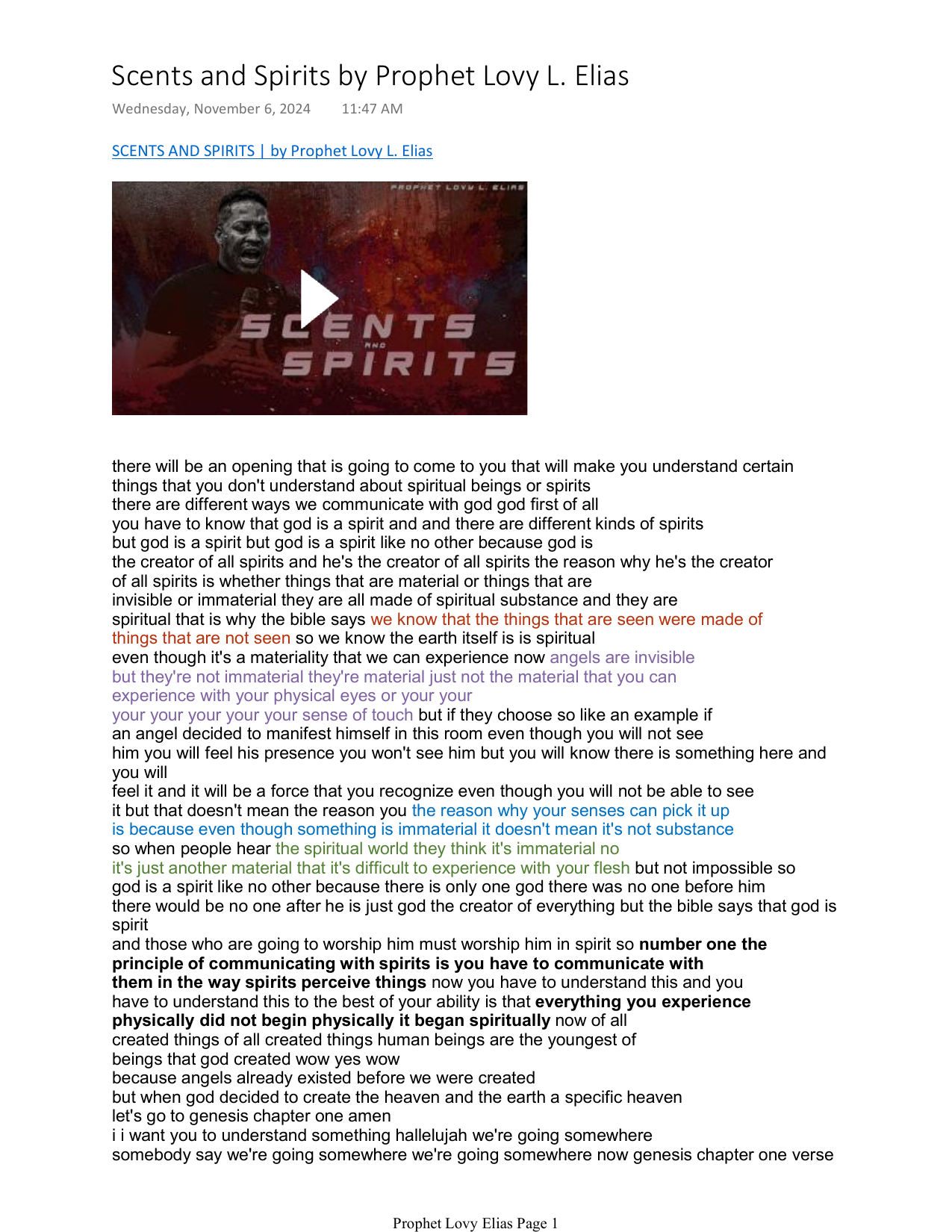
I knew the content was valuable. I just couldn't access it in any organised way.
Initial Attempt: YouTube Transcript + ChatGPT
I found a browser extension that could pull the auto-generated YouTube transcript for any video. I'd copy the full transcript and paste it into ChatGPT.
That worked — until it didn't.
Free ChatGPT had a character limit. Long sermons got cut off. I was missing the second half of teachings. And every time I opened a new chat window, I had to re-explain the context from scratch. What format I wanted. What the site was for. What kind of reader I was writing for. Over and over again.
I built a master prompt and saved it so I could paste it at the start of every new conversation.
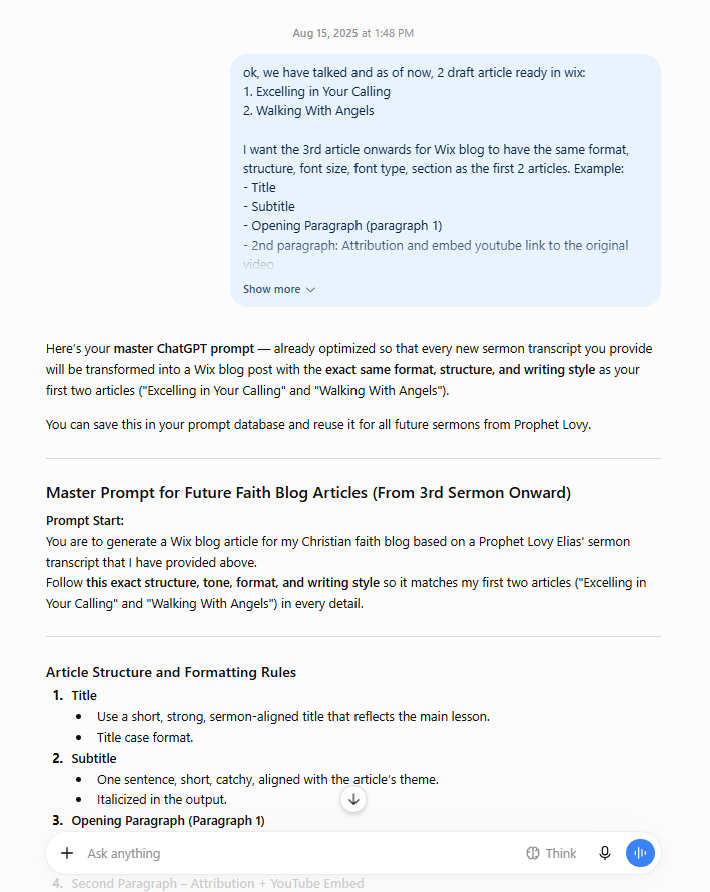
Even with a master prompt, the output was inconsistent. Sometimes bullet points. Sometimes numbered lists. Sometimes the tone shifted completely. I'd ask for a redo. Get another version. Still not right.
The Manual Publishing Workflow
When I did get output I was happy with, here's what the publishing process looked like:
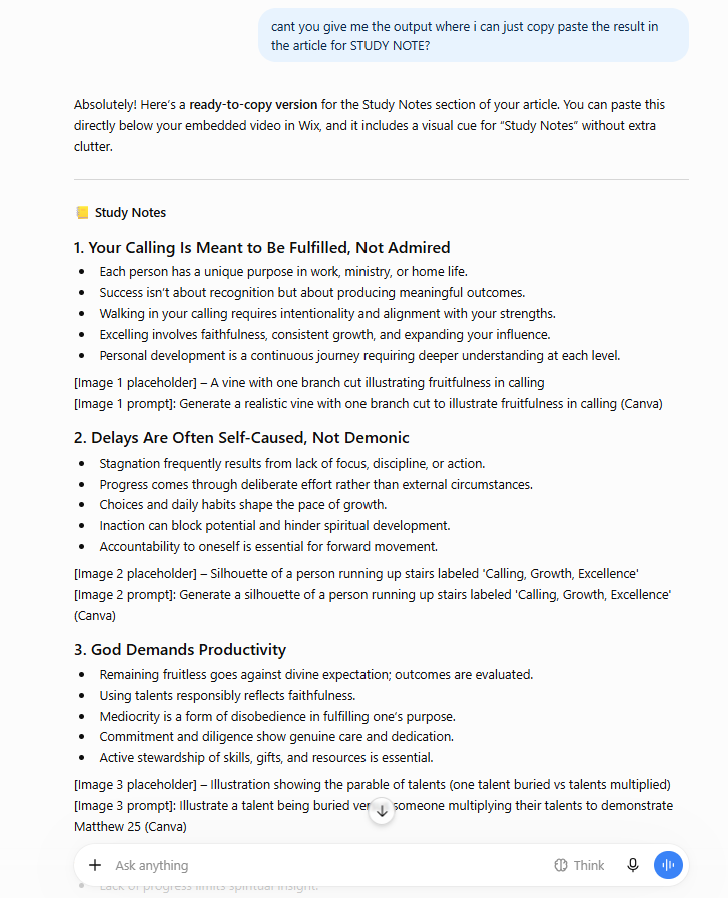
- Copy ChatGPT output
- Open Wix editor
- Paste and manually reformat
- Go back to ChatGPT and ask for a header image idea
- Generate image separately
- Ask for alt text
- Ask for SEO keywords
- Back to Wix
- Add everything manually
- Publish
One article. Hours.
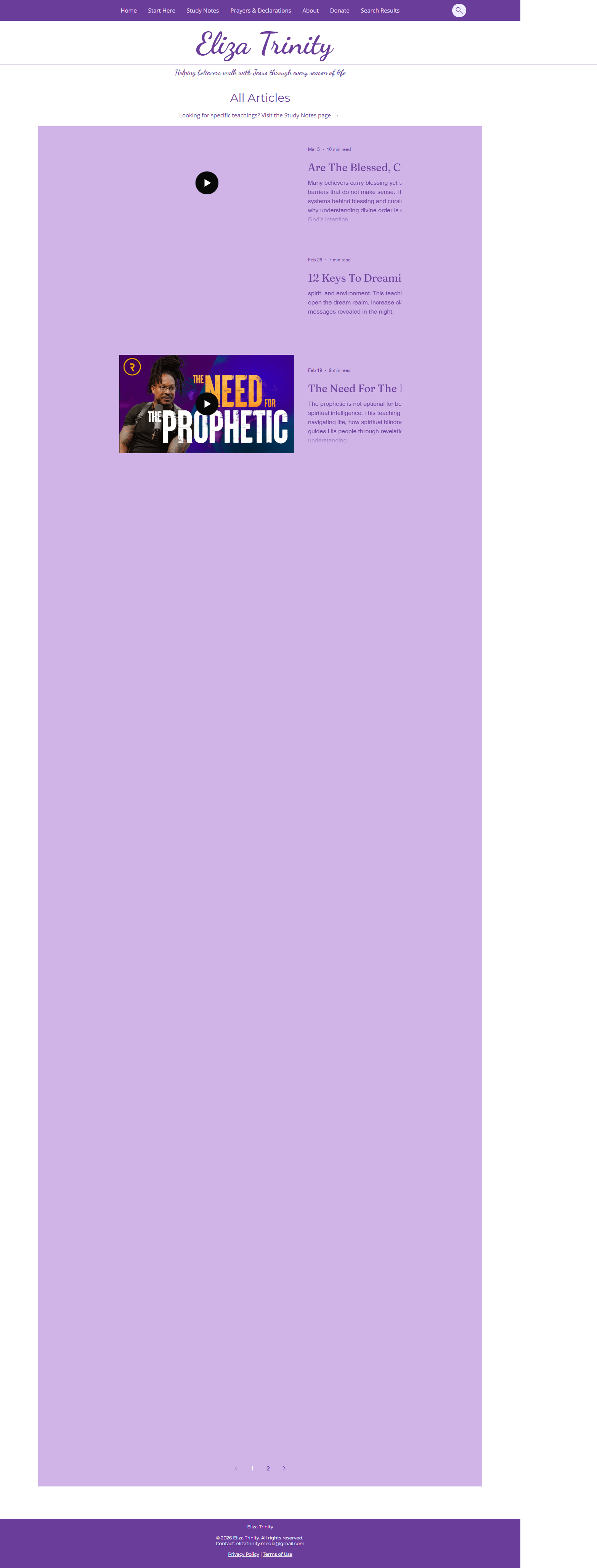
I also built a master Google Sheets tracker to try to keep everything organised — tabs for skillset tracking, blog setup, pre-publishing checklists, monetisation tracking. It grew to eight tabs.
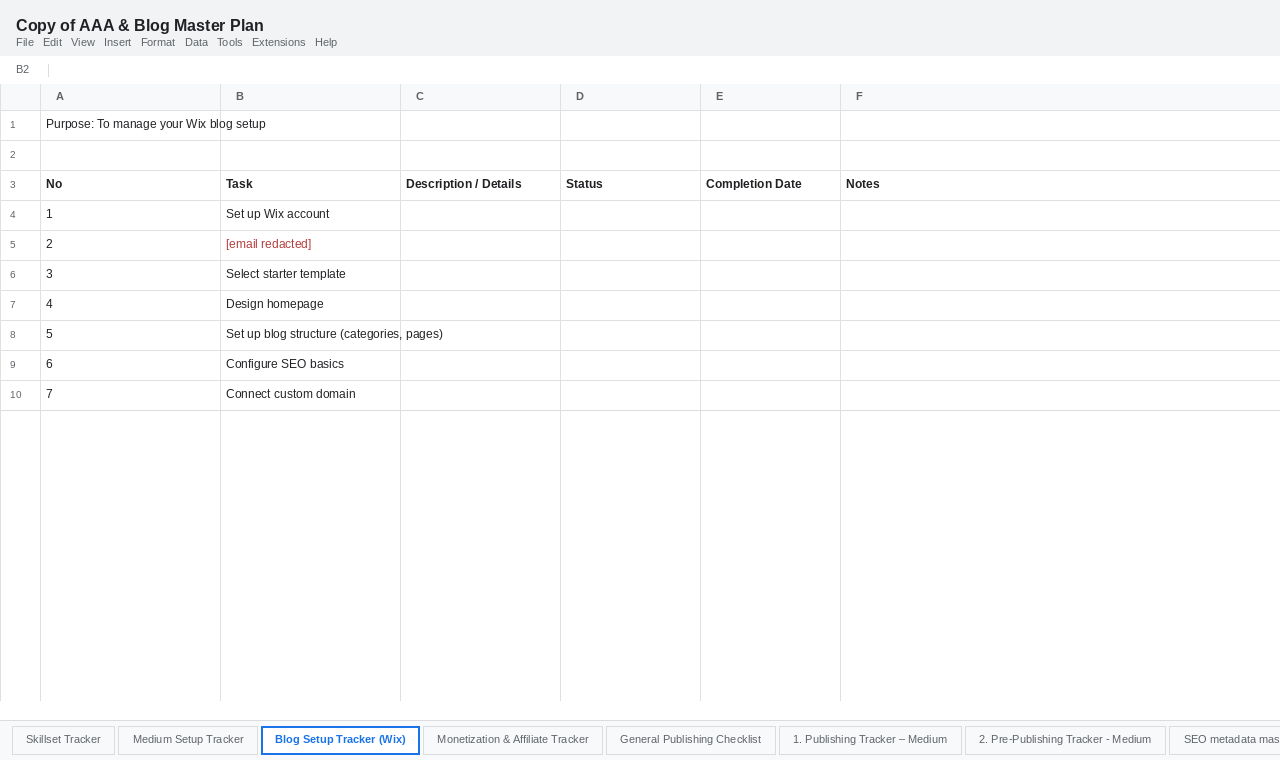
That spreadsheet tells you everything about how unsustainable the workflow was. When you need a spreadsheet that big just to manage one blog, something is wrong.
Here's what the actual copy-paste request looked like, mid-conversation:
The Moment Everything Changed
It was actually a school assignment that cracked this open.
I was doing a course at Lithan — a tech upskilling programme here in Singapore — and one of the projects was an e-commerce AI application. We had to implement features like natural language search, personalised recommendations, and a chatbot.
I remember asking ChatGPT: "How could I apply these same AI features to my own faith content project?"
That's when it explained RAG — Retrieval-Augmented Generation. A system where AI doesn't just know general information, but can search and reason over your specific content. Your own knowledge base.
Something clicked.
What if the teachings became a searchable knowledge base? What if every sermon, every golden nugget, every scripture reference was indexed and retrievable? Not paraphrased — preserved.
That became the vision behind what is now Revealed Insight.
But between the vision and the reality was a wall.
The n8n Dead End
I tried to automate the workflow using n8n — a no-code automation tool. Spent three days troubleshooting with ChatGPT, trying to connect it to Wix and get an automation working end to end. Self-hosted n8n through Docker. Enabled Wix's Velo dev mode just to get API write access. Tested webhooks. Still couldn't get a single item to write reliably into the Wix CMS.
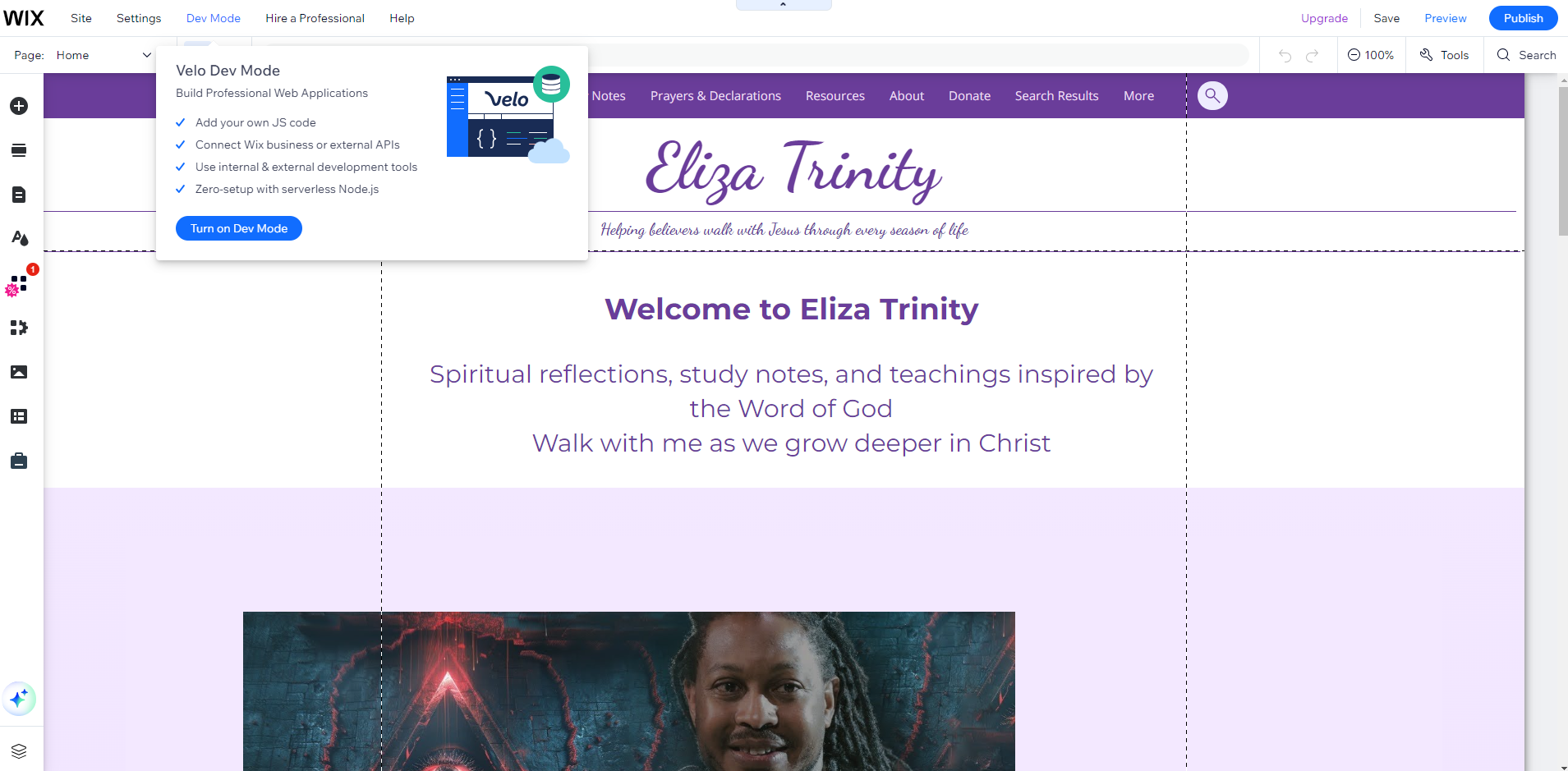
Three days in, I gave up. I was stuck. I could see what I wanted to build. I just had no idea how to get there.
What Happened Next
That's where this story picks up in Part 2.
Within a few weeks, everything I had been trying to do manually for months was running automatically.
Revealed Insight went from zero to 30+ articles live in the time it used to take me to publish five.
(Article 2 — Building the Pipeline — linked here once it goes live.)
If this resonated — especially if you've ever sat with a notebook, pausing and rewinding a sermon trying to capture something too deep to catch in real time — I'd love to hear from you.